Guard Mission connects site setup, schedules, live exceptions, guard reports, and client-ready proof so your team can run the shift, verify the work, and answer the client with evidence.
The problem is not the missed scan. It is finding out too late.
Security companies lose trust when hidden field exceptions turn into client questions. Guard Mission is built around the moment operations can still respond.
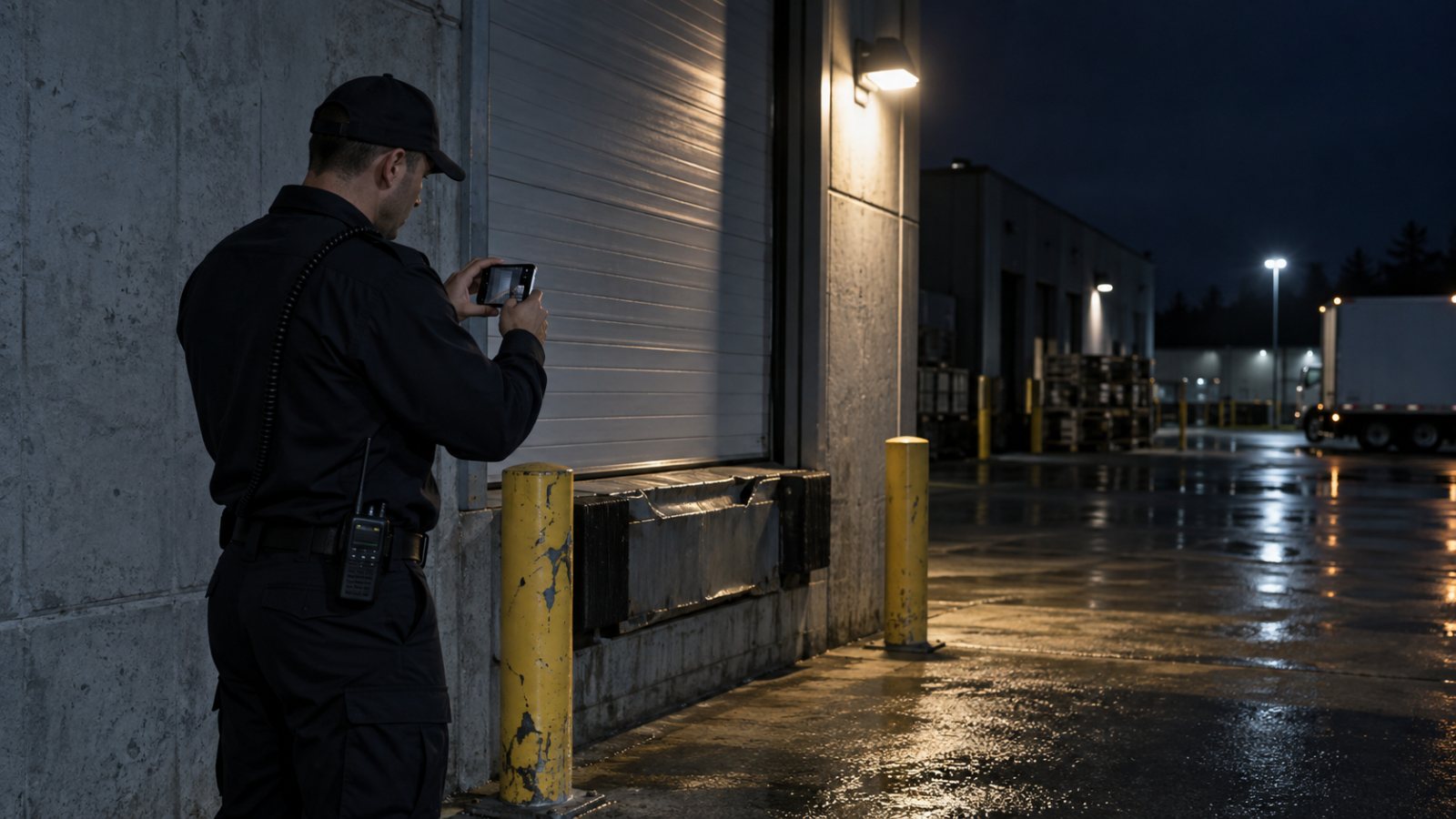
Dock 3 · Night patrol
Evidence captured in the field
Exception Queue
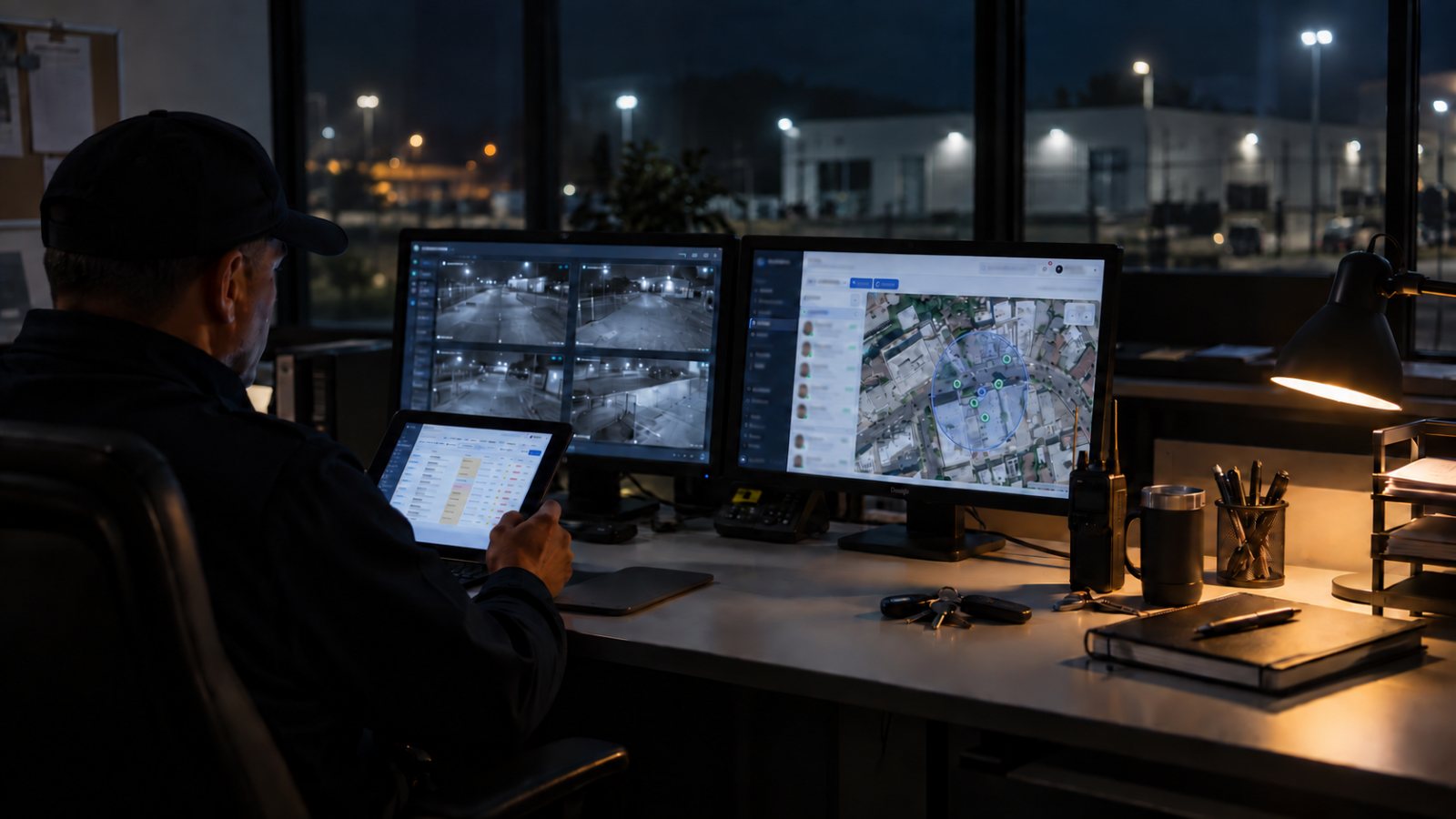
Live operations watch
06:14A site needs attention and qualified reliefCoverage gap
07:02The patrol happened, but the proof is thinEvidence gap
09:41An incident happens, but follow-up is unclearEscalation gap
14:30Coverage notes and reports do not line upOperations gap
15:10The wrong guard gets assigned to the wrong siteCompliance gap
Operating Thesis
One operating record for the site, the shift, the guard, the incident, and the proof.
Shift in progress
Live coverage, site map and schedule read from the same record
What it is
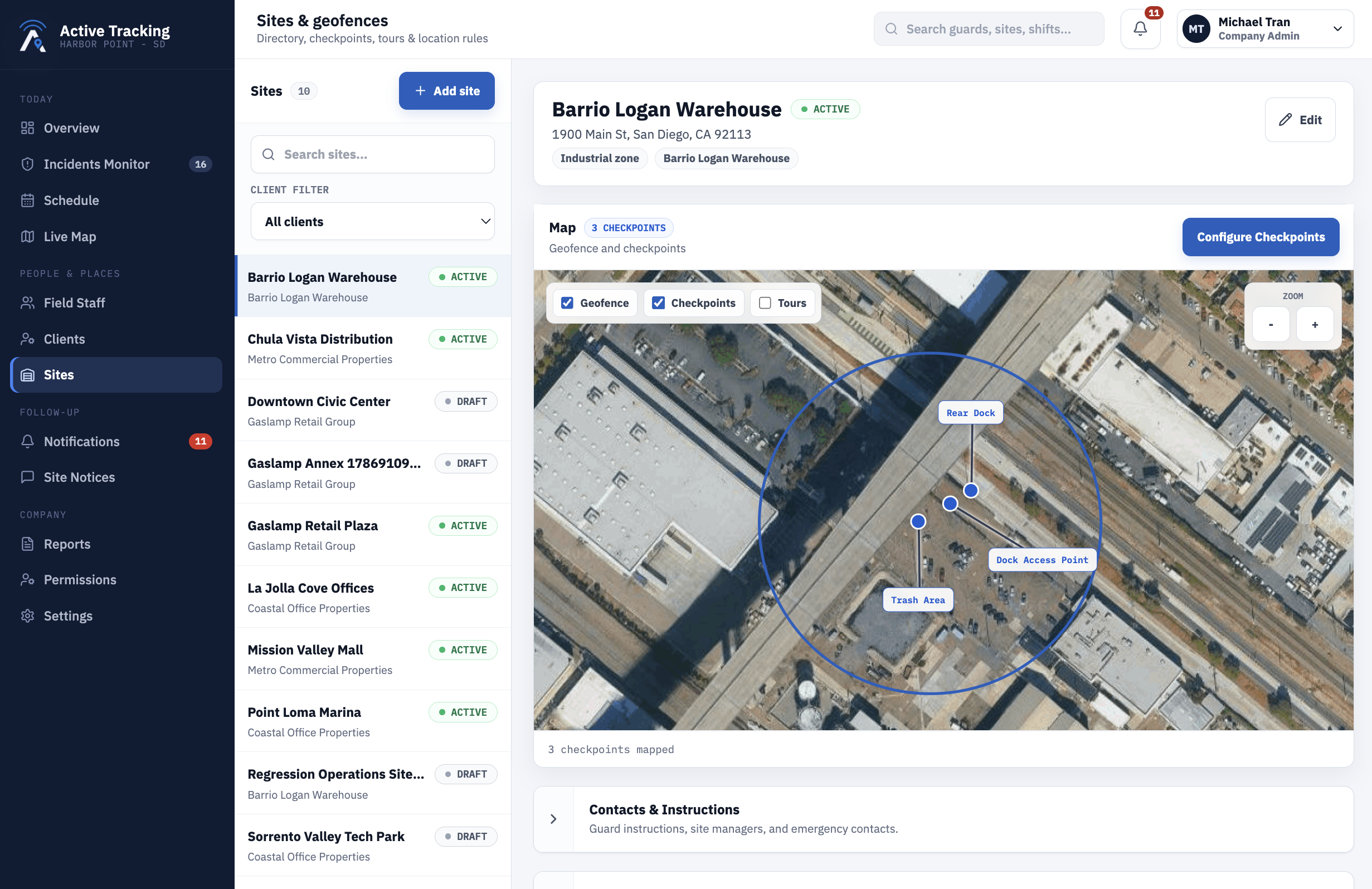
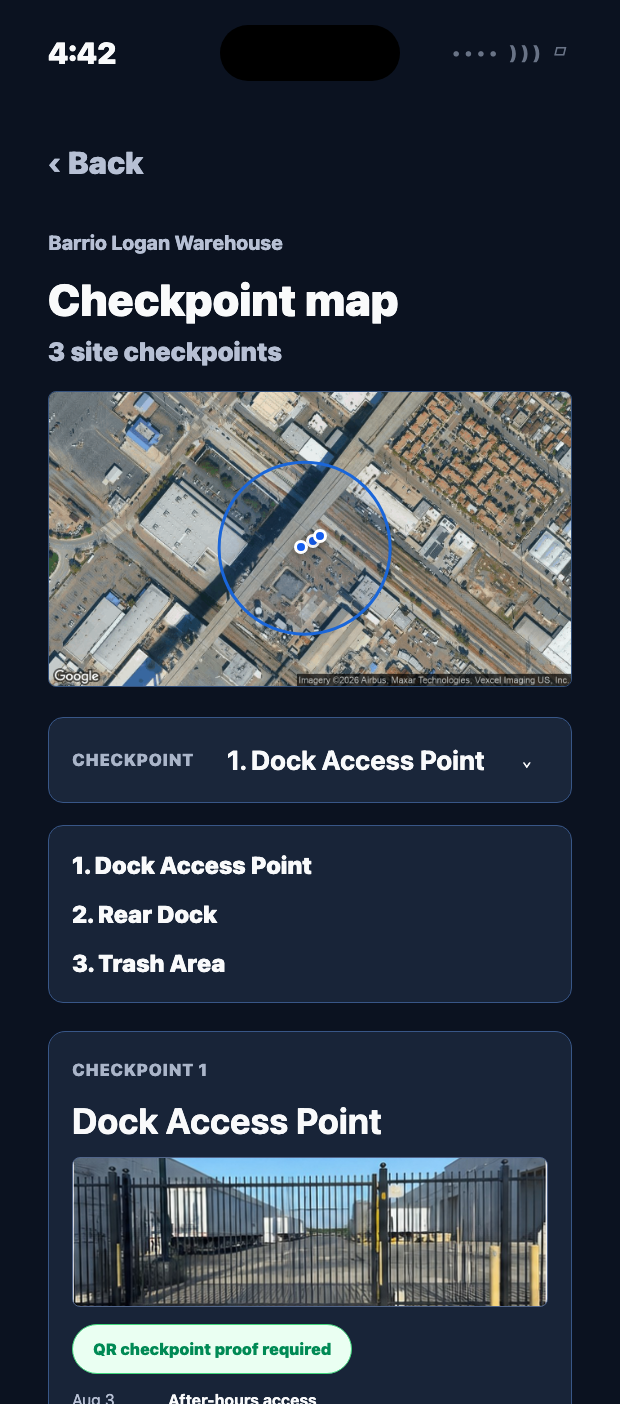
The site record carries the map, geofence, checkpoints, post orders, contacts, service programs, and reporting expectations that shape every shift.
Why it is different
Schedules, live state, guard reports, supervisor review, and client proof stay connected, so operations can see what changed and what to do next.
Will it hold in the field
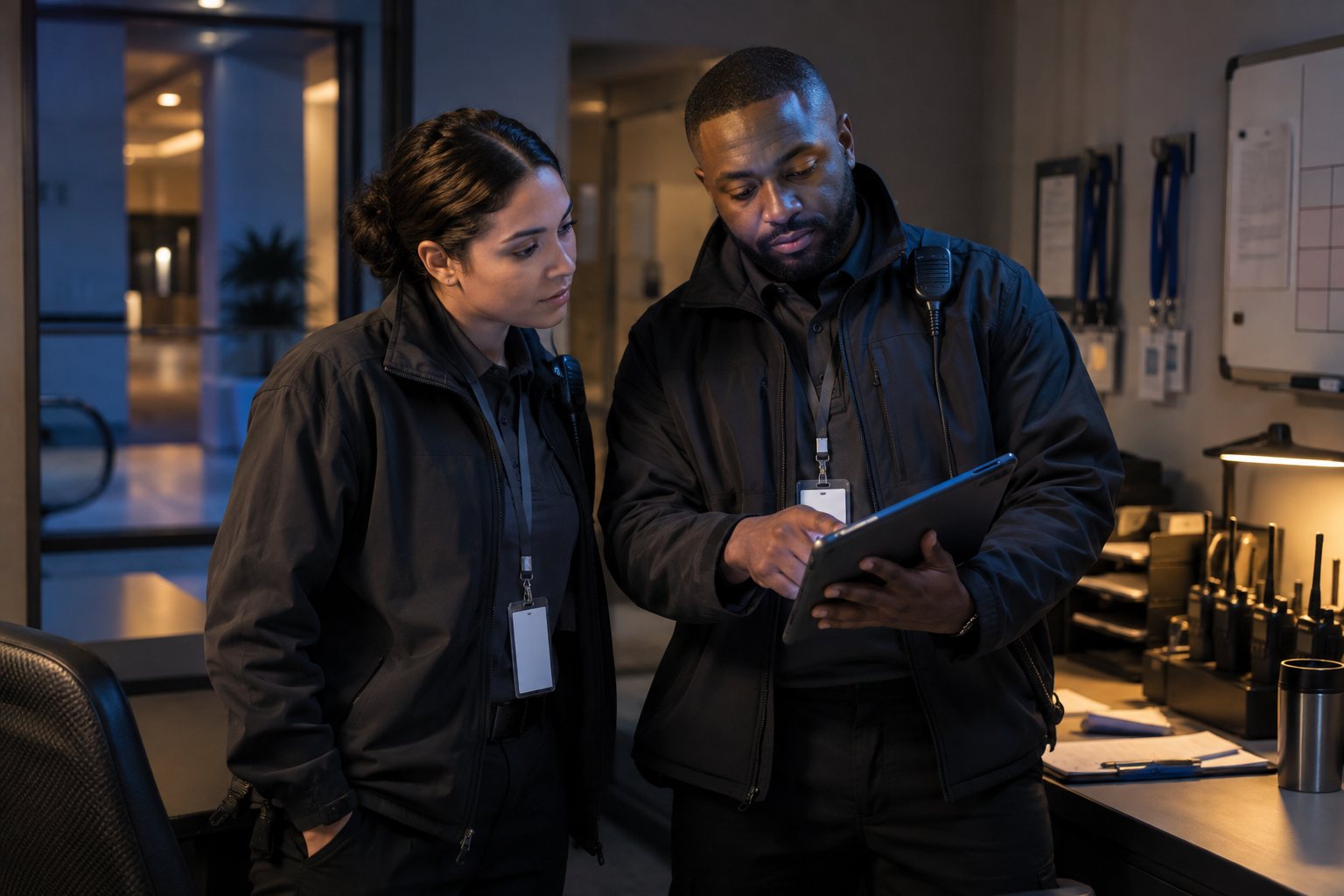
Guards can capture field proof under real conditions: weak signal, urgent incidents, vehicle details, photos, voice notes, and offline sync.
Set The Site Up Once
The tour you draw in the office is the tour the guard walks.
Address, map, geofence, checkpoints, post orders, site instructions, contacts, service programs, and reporting expectations live together on one record. The guard app reads that same source of truth on shift, including the reference photo for each checkpoint.
https://www.guardmission.net/sites
How A Shift Runs
Seven steps, and one unbroken chain of evidence.
Every sale depends on the same chain: the right guard, at the right site, doing the right tour, with evidence the client can trust. The same operational record helps supervisors confirm coverage, dispatch relief, and keep client-facing proof clean.
{{ step.number }}
{{ step.title }}
{{ step.body }}
Who Can Cover The Site
Do not fill the shift with the wrong guard.
Every open shift is matched against what the site requires and what the guard can do. Certifications, licenses, existing schedules, availability, rest windows and stated preferences are checked before an offer goes out, so the roster you publish is one you can defend.
Offer accepted
Qualified relief, checked before dispatch
{{ q.number }}
{{ q.title }}{{ q.body }}
Client Evidence
Give clients the evidence before they ask for it.
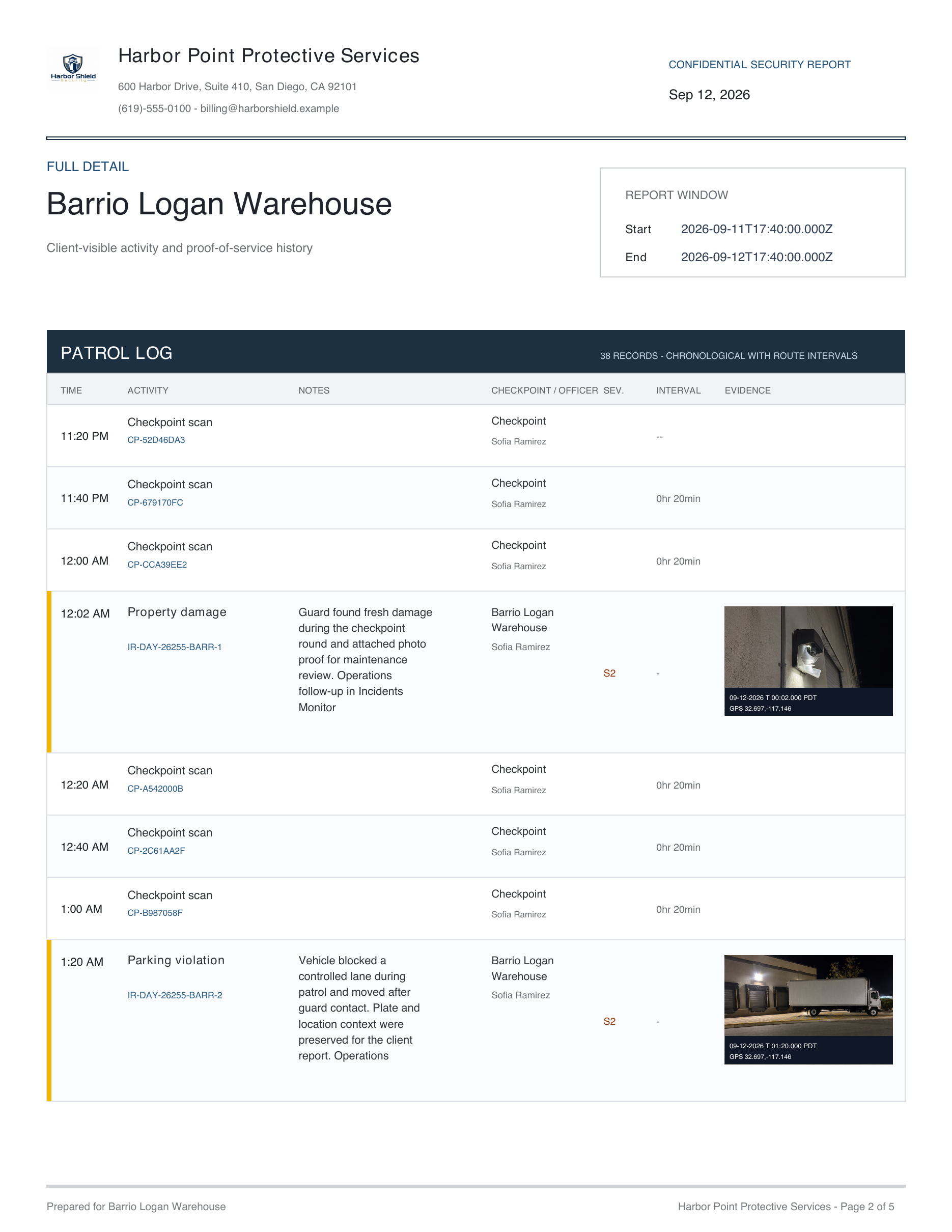
Each report brings together the activity summary, checkpoint scans, incidents, and supporting photos. The client sees proof of service, not a scramble for screenshots.
Each site gets the right cadence, header and permission scope. Internal exceptions stay with operations. Client portal access stays scoped to assigned sites only.
At 21:14 a delivery vehicle, plate 8KZD921, obstructed the Gate 3 access lane for approximately ten minutes with no operator present. Officer notified dispatch.
1HGCM82633A004352
VIN written to ticket1HGCM82633A004352
8KZD921
Plate capturedDock gate · Gaslamp Retail Plaza
Permit check
Permit statusPermit expired 31 Aug
Tenant permit P-2214, not renewed for this quarter.
Expired
Vehicle matchVehicle does not match the permit
Permit lists a Ford Transit van. The scan reads a Kenworth T680 tractor.
Mismatch
History at this site3rd time in 30 days
Warning issued · Dock gate
Owner notified · fire lane
Tow eligible per post orders
Post ordersAll 14 pages, on the phoneSite rules, tow policy, escalation — readable offline.
ContactsWho to call, in orderDispatch, site manager, PD non-emergency — one tap.
CheckpointsGuided tour scanningNext QR or NFC point, in order, timestamped.
And morePanic alert, notes, handoverOne screen for the whole shift, no training needed.
{{ g4bannerTitle }}
{{ g4bannerBody }}
Still workingSmart Fill, plate and VIN scanning
The AI runs on the phone itself, not in the cloud.
On device
Incident ticketreq_8f21c4
{{ g4ticketMeta }}
{{ g4chip }}
Cloud Security And Trust
Built for sensitive site, staff, and client data.
Security operations data includes guard identities, site instructions, incident photos, location history, and client-facing evidence. Guard Mission treats access control and traceability as part of the product, not paperwork after the sale.
Keep your team and clients connected without sharing more than they need. Control access by role and site, and choose which reports clients receive.
01
Secure company sign-inCloud authentication, company codes, and separate operations/client entry points.
02
Role and site scopeAdmins, dispatchers, guards, and clients see the surfaces and sites they are allowed to see.
03
Traceable report source dataTrace reports back to the original activity, recorded times, supporting photos, and supervisor approvals.
04
Operational cloud postureReview reports before delivery and give clients a clear record of the service your team provided.
Questions
What operators ask us first
{{ f.q }}+
{{ f.a }}
See it run on one of your real sites.
Bring the site with missed scans, coverage gaps, client complaints, or unclear follow-up. In thirty minutes, we will show what Guard Mission would have caught and what evidence it would have produced.